
AI rendering from any 3D view
Hi, we're Hocus.
You bring the model. We bring the light.
Hocus is AI architectural rendering from any 3D view. Bring a view from SketchUp, Rhino or any 3D tool, and your geometry stays where you put it.

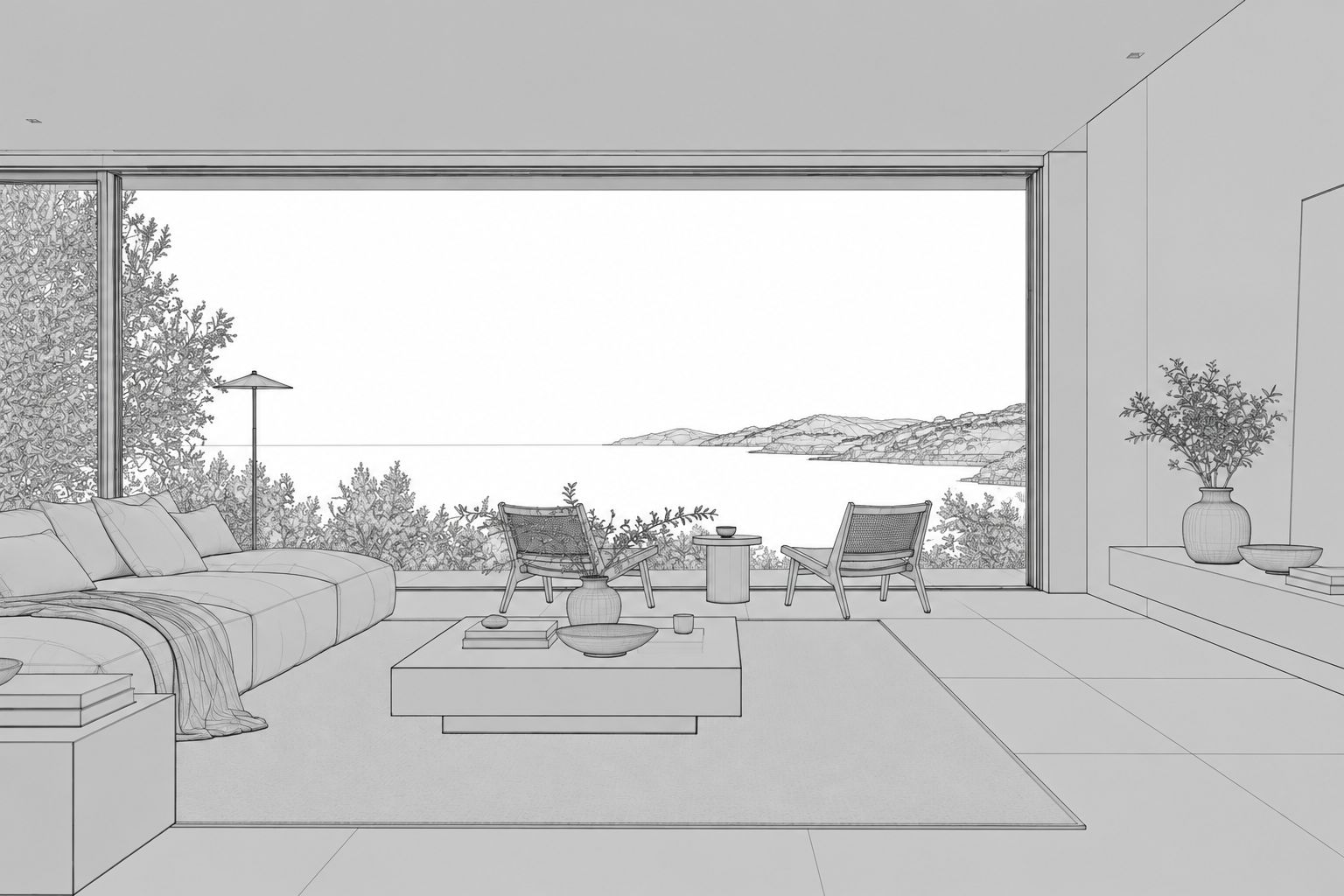 viewport.png · 3d view
This is your view, straight out of your 3D model.
Same walls. Same windows.
We only added light.
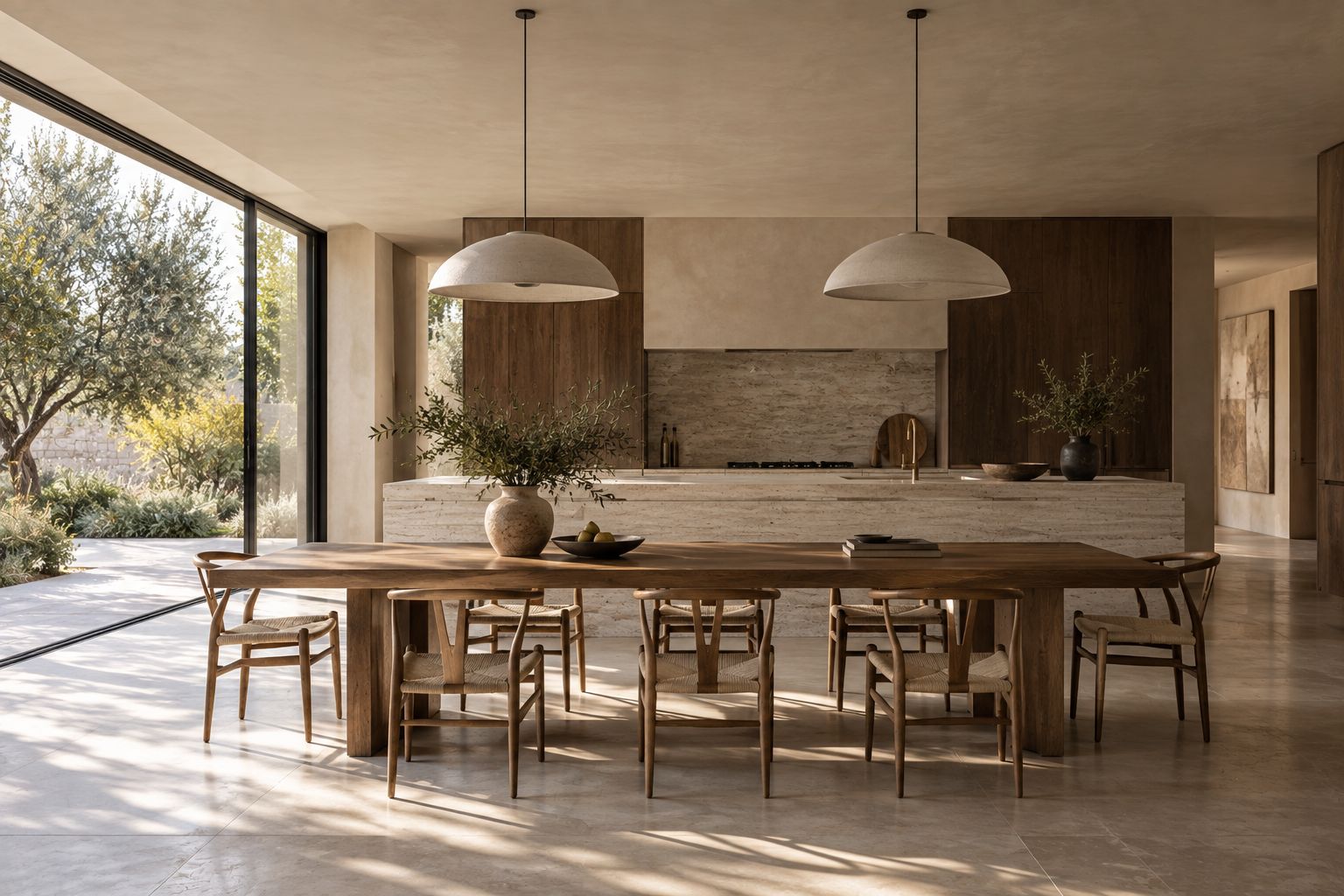
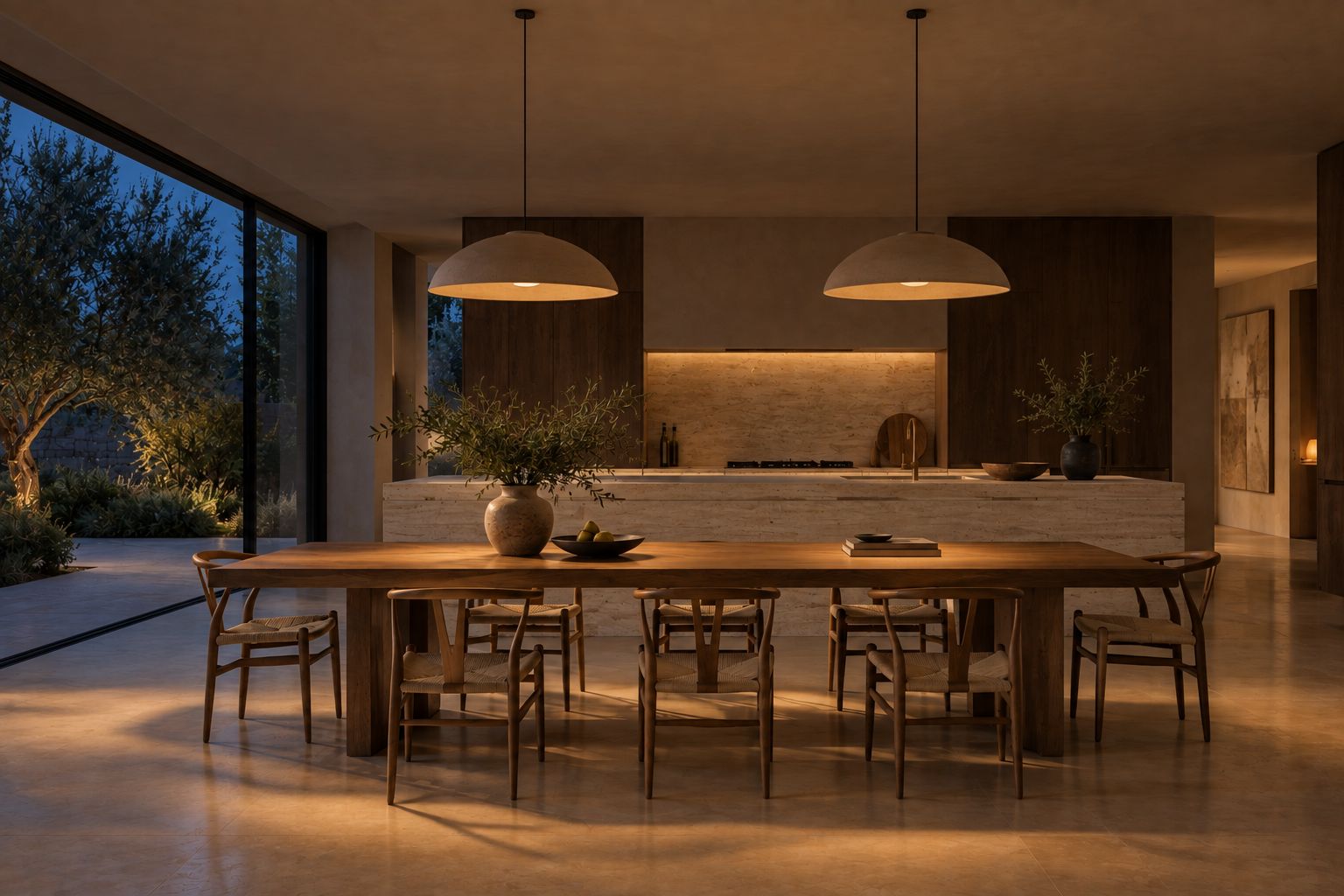
Tell it like you'd tell a friend.
No settings to learn. Say where it is, what it's made of, and what time it is. That's the whole trick.




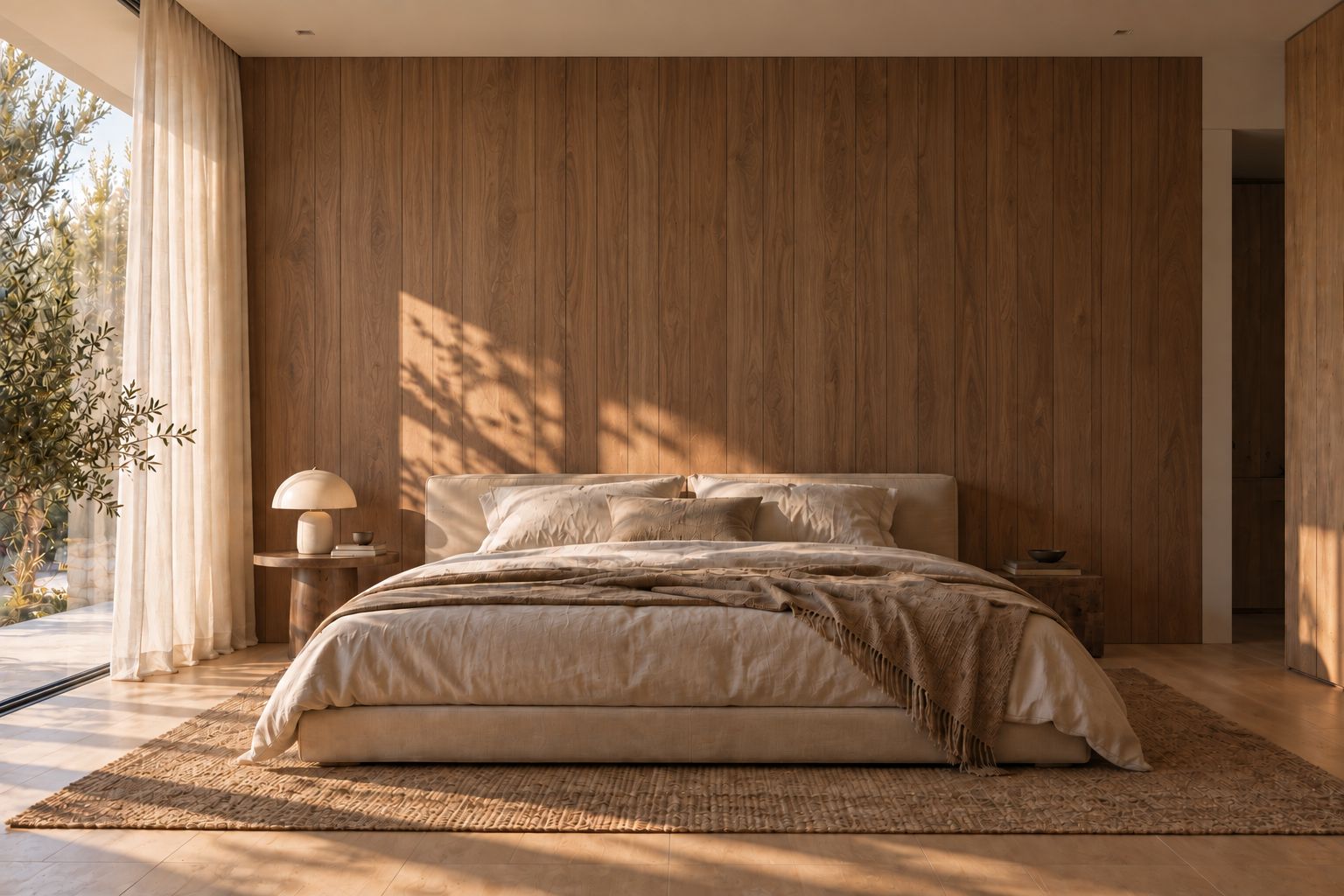
Change one thing. Keep the rest.
Mark the wall, try a finish, then another. The bed, the lamp, the light on the floor all stay exactly where they were.
See how others made theirs.
Every render here shows what went into it. Open one and borrow its settings. They'd want you to.
We'll help you get good at it.
Short, free guides for the tricky bits. No paywall, ever. We checked with ourselves.


We're letting people in slowly.
Not to be cool. So everyone who joins gets a proper start. Tell us about you and we'll send an invite.
A note from us.
We're Nihal and Aswin. We trained as architects and spent too many nights waiting on renders that changed the design we'd drawn.
Hocus is the tool we wanted then. It's early, it's honest about what it can do, and it gets better every week.
Nihal & Aswin · somewhere with good light
questions, answered.
- What is Hocus?
- Hocus is AI architectural rendering from any 3D view. You export a view of your model, describe the place, materials and light in plain words, and Hocus turns it into a photoreal render. It's made for architects and interior designers who want to show a design without redrawing it.
- Does Hocus change my design?
- No. Hocus keeps your geometry, proportions and openings where you drew them, and changes only how the view looks: light, materials, planting and people. Each render is checked against your view, and one that moves away from your design isn't counted.
- Which software does Hocus work with?
- Any 3D program that can export a view as an image, such as SketchUp or Rhino. Hocus works from the exported picture (PNG or JPG, up to 15 MB), not the model file, so it doesn't matter which software made it.
- How does Hocus work?
- Export a view from your 3D model, drop it into Hocus and pick a light. If you like, say where the building is, what it's made of and whether people are in it. Then press Render. Afterwards you can refine one thing at a time, or mark a wall and try a new finish on just that surface.
- How long does a render take?
- Usually 40 to 70 seconds, and the app shows a timer while it works. A render that doesn't finish isn't counted.
- How much does Hocus cost?
- The Free plan includes 3 renders a month. Paid plans start at ₹929 a month for 15 renders, with Standard (30) and Pro (50) for more, and team plans for 3 to 10 people. Prices are in Indian rupees; you can pay from anywhere with an international card, and your bank converts the amount. Hocus is invite-only for now: request access at usehocus.com/request.
- Who is Hocus for?
- Architects, interior designers, students and small studios who need photoreal images of their 3D models for clients, juries or their portfolio. Teams can share one pool of renders.
- Who owns the renders I make?
- The renders you make are yours to use, including for clients and commercial work; we don't claim them. You also keep the rights you have in what you upload. Your uploads and renders stay private unless you choose to share them.
- How is Hocus different from other AI render tools?
- Hocus is built around keeping your design: it reads your view and checks each render against it. You describe the look in plain words instead of settings, and you can change one surface without redoing the image. Every shared render shows how it was made, and the Learn guides are free.
- Is my model private?
- Hocus never sees your model file, only the image you export. Your uploads and renders are private unless you share them, and they aren't used to train AI models. Renders are made with Google's AI service, Vertex AI.