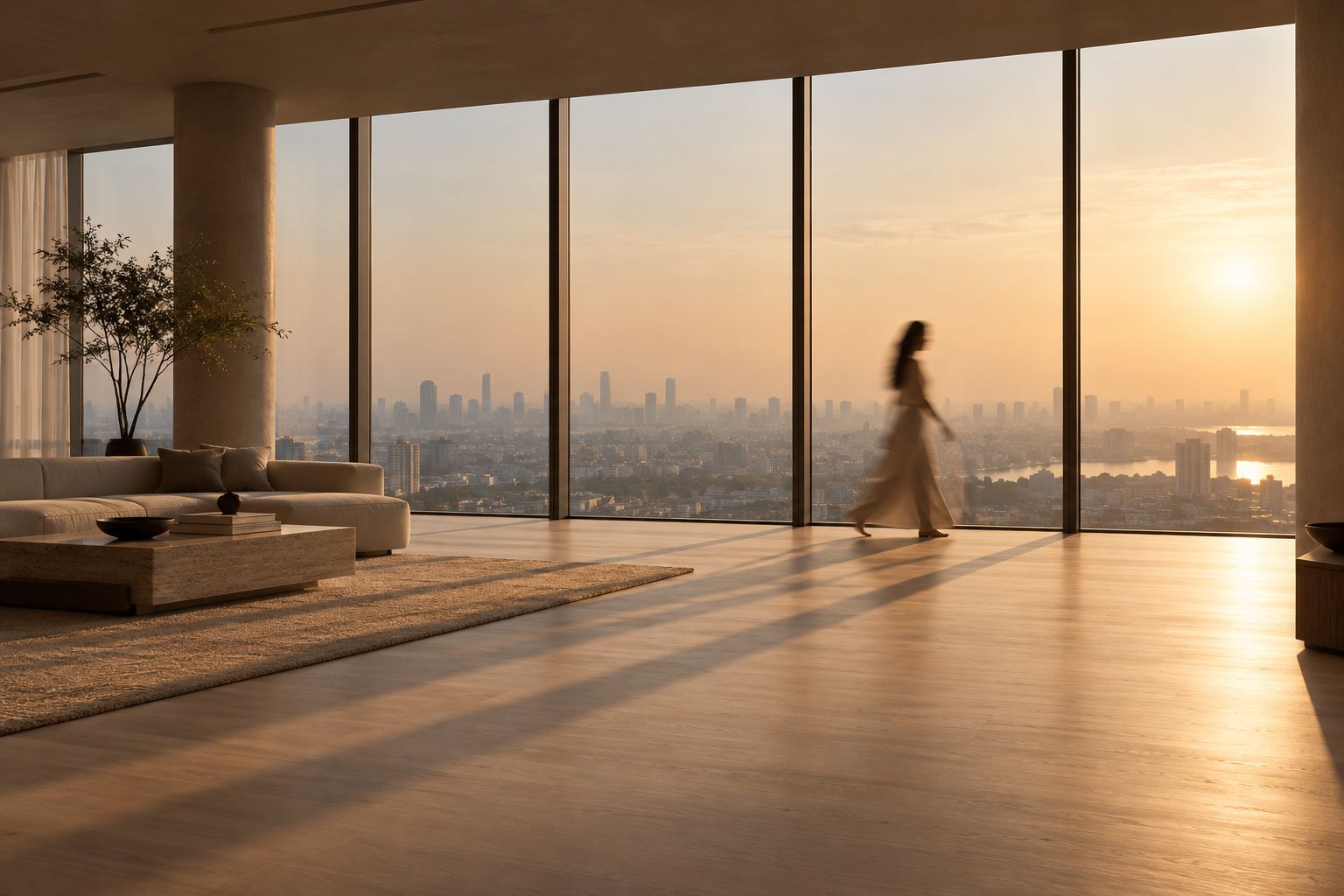
Architectural renders from your 3D views
Hi, we're Hocus.
Hocus makes architectural renders from your 3D views. Bring a view from SketchUp, Rhino or any 3D tool, and your geometry stays where you put it.
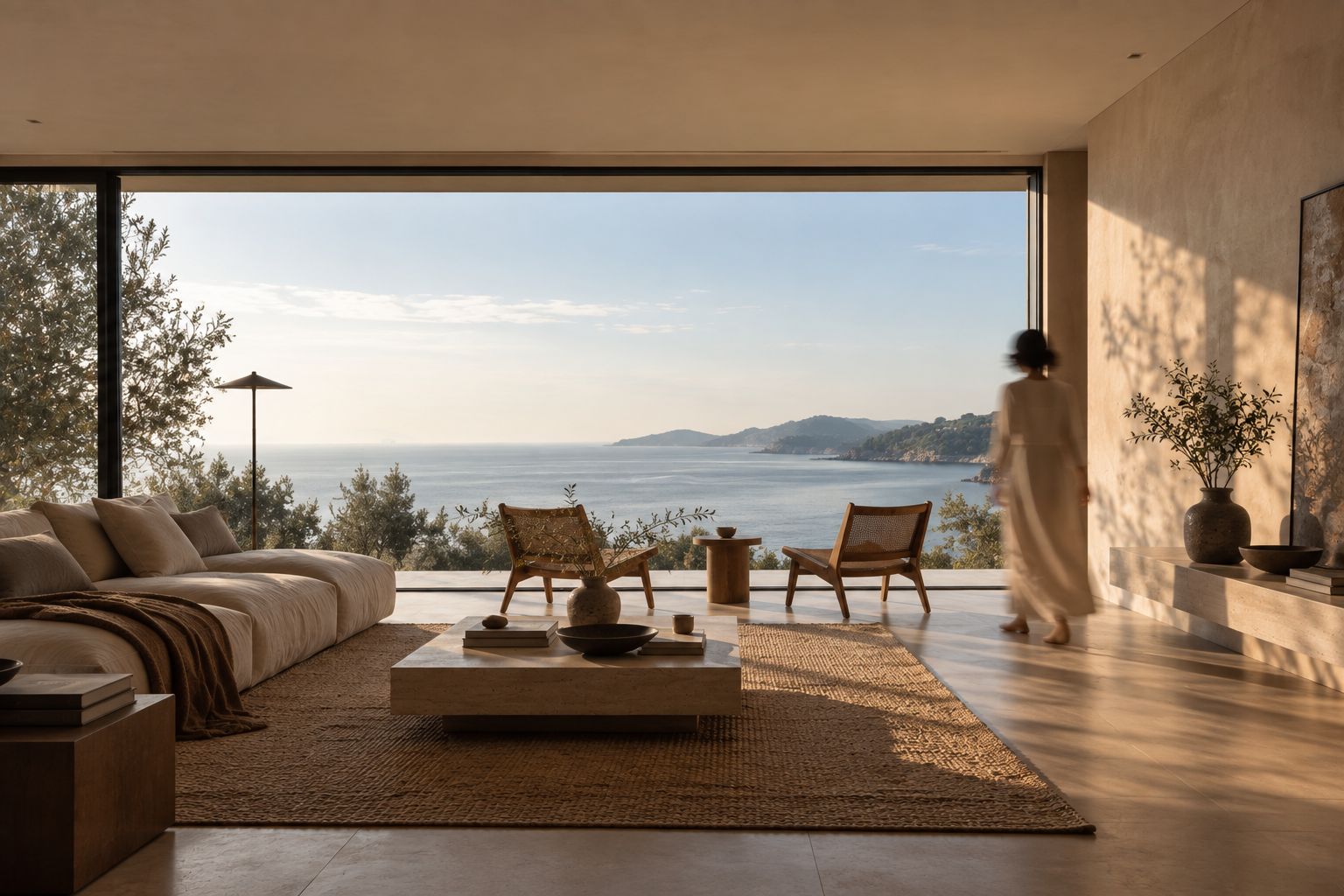
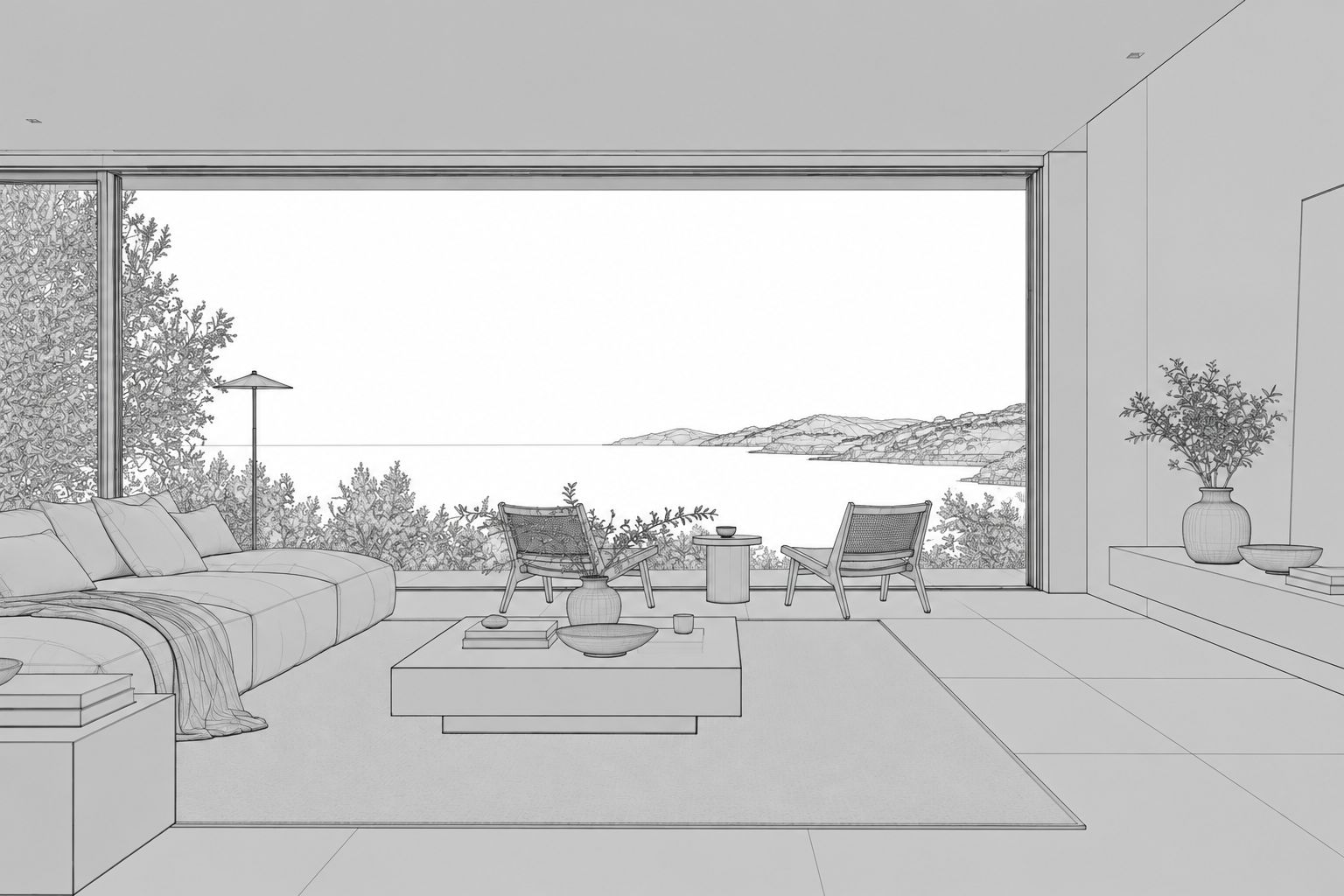 viewport.png · 3d view
This is your view, straight out of your 3D model.
Same walls. Same windows.
We only added light.

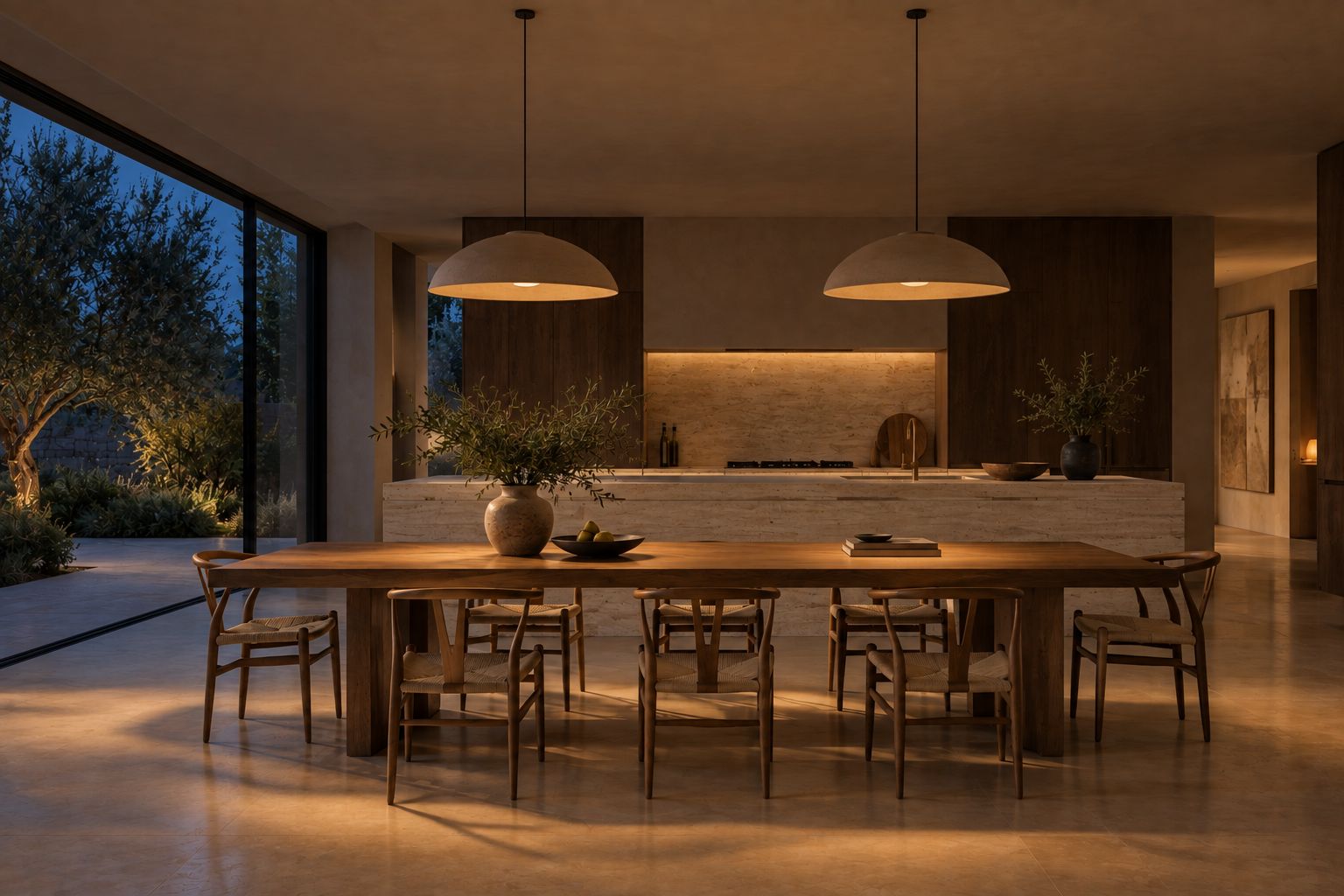
Tell it like you'd tell a friend.
No settings to learn. Say where it is, what it's made of, and what time it is. That's the whole trick.




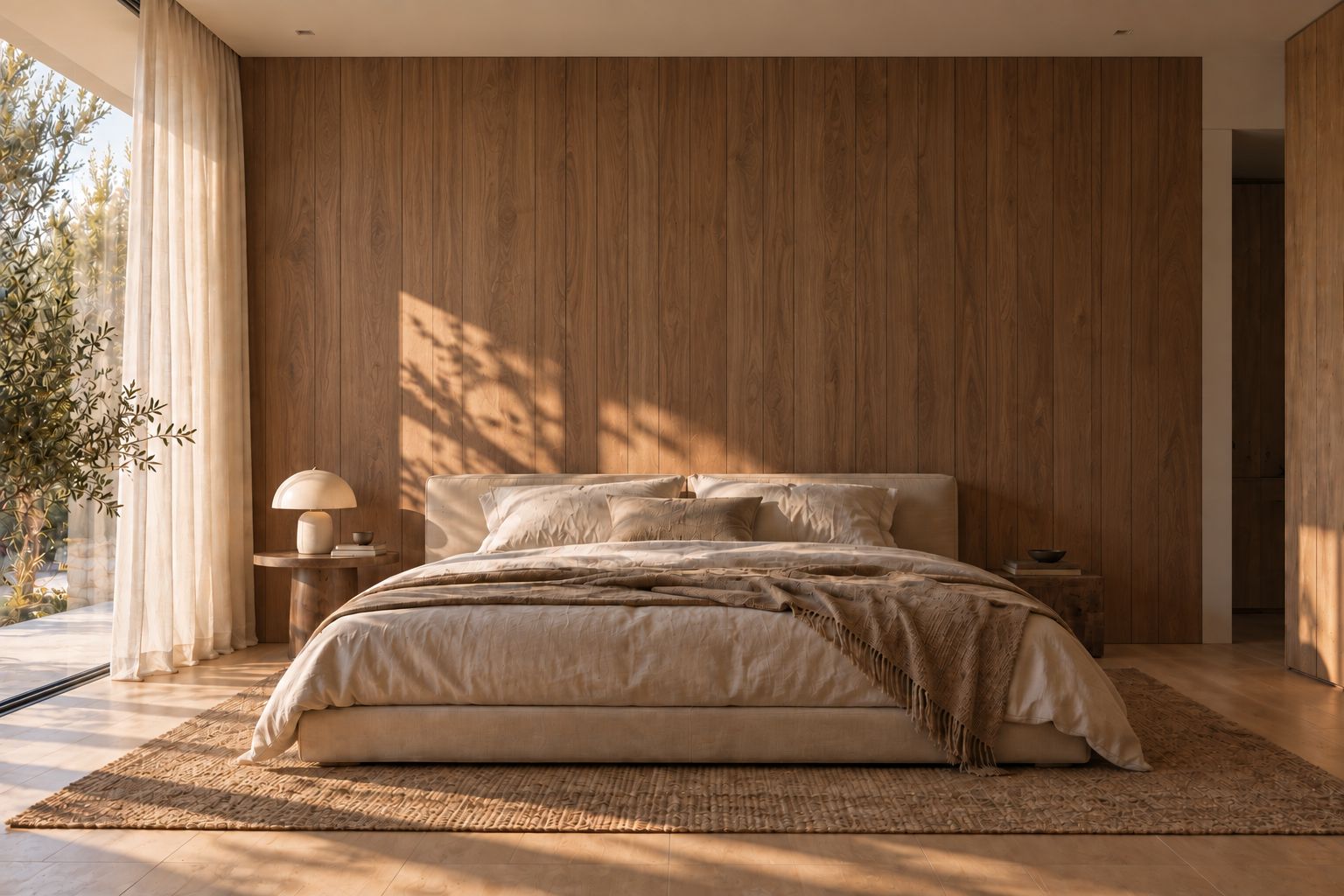
Change one thing. Keep the rest.
Ask for a finish on the wall, then another. The bed, the lamp, the light on the floor all stay exactly where they were.
See how others made theirs.
Every render here shows what went into it. Open one and borrow its settings. They'd want you to.
We'll help you get good at it.
Short, free guides for the tricky bits. No paywall, ever. We checked with ourselves.


start free.
3 renders a month on the Free plan, no card needed. Pick a plan when you need more.
Sheet 01 · A note from us
a note from us.
We're Nihal and Aswin. We trained as architects, and we spent too many nights waiting on renders that came back with our design changed.
Hocus is the tool we wanted then. You bring a view, it adds the light, and every line stays where you drew it.
It's open to everyone now. Start free, and tell us what's missing. We read every message.
- Project
- hocus
- Place
- Mumbai & Delhi, India
- Scale
- 1 : 1, your geometry
- Sheet
- 01 / 01
- Reply to
- hello@usehocus.com · usually the same day
questions, answered.
- What is Hocus?
- Hocus makes architectural renders from your 3D views. You export a view of your model, describe the place, materials and light in plain words, and Hocus turns it into a photoreal render. It's made for architects and interior designers who want to show a design without redrawing it.
- Does Hocus change my design?
- No. Hocus keeps your geometry, proportions and openings where you drew them, and changes only how the view looks: light, materials, planting and people. Each render is checked against your view, and one that moves away from your design isn't counted.
- Which software does Hocus work with?
- Any 3D program that can export a view as an image, such as SketchUp or Rhino. Hocus works from the exported picture (PNG or JPG, up to 15 MB), not the model file, so it doesn't matter which software made it.
- How does Hocus work?
- Export a view from your 3D model, drop it into Hocus and pick a light. If you like, say where the building is, what it's made of and whether people are in it. Then press Render. Afterwards you can change one thing at a time, like the finish on a wall, and the rest stays as it was.
- How long does a render take?
- Usually 40 to 70 seconds, and the app shows a timer while it works. A render that doesn't finish isn't counted.
- How much does Hocus cost?
- The Free plan includes 3 renders a month. Paid plans start at ₹929 a month for 15 renders, with Standard (30) and Pro (50) for more, and team plans for 3 to 10 people. Prices are in Indian rupees; you can pay from anywhere with an international card, and your bank converts the amount. Anyone can sign up free at usehocus.com.
- Who is Hocus for?
- Architects, interior designers, students and small studios who need photoreal images of their 3D models for clients, juries or their portfolio. Teams can share one pool of renders.
- Who owns the renders I make?
- The renders you make are yours to use, including for clients and commercial work; we don't claim them. You also keep the rights you have in what you upload. Your uploads and renders stay private unless you choose to share them.
- How is Hocus different from other AI render tools?
- Hocus is built around keeping your design: it reads your view and checks each render against it. You describe the look in plain words instead of settings, and you can change one surface without redoing the image. Every shared render shows how it was made, and the Learn guides are free.
- Is my model private?
- Hocus never sees your model file, only the image you export. Your uploads and renders are private unless you share them, and they aren't used to train AI models. Renders are made with Google's AI service, Vertex AI.