the hocus brand.
use it, keep it quiet.
Logos, the symbol, colours, words and renders for anyone writing about Hocus, featuring it, or building with it. Everything here is free to use for editorial and partner work, as long as you follow the few rules on this page.
ZIP · 2.4 MB · SVG, PNG, JPG, TXT
one word, lowercase.
The logo is the word “hocus” set in Geist, lowercase and tightly tracked. It comes in two colours: night on light backgrounds, paper on dark ones. There is no other version.
give it room.
Keep a clear space around the logo equal to the height of the “h”. Nothing else (text, edges, other logos) goes inside it.
80 px wide on screen, 20 mm in print. Below that, use the symbol.
Plain night, plain paper, or a calm, dark part of a render. Never over a busy area.
Match the height of the partner logo's lowercase letters and keep the clear space between them.
the h.
Where the word doesn't fit (app icons, social profiles, favicons) use the symbol: a lowercase “h” from the logo, centred in a square, about 55% of its height.
The rounded avatar (hocus-avatar-rounded) is only for platforms that force rounded corners. The product itself is square.
write it right.
In sentences, Hocus takes a capital H, like any name. Only the logo is lowercase. Hocus is the product and the company; there's no “AI” after it.
- ✓Hocus
- ✓usehocus.com
- ✓Render made with Hocus
- ✓Architectural renders from your 3D views
- ✕HOCUS
- ✕Hocus AI
- ✕Hocus Pocus
- ✕Hokus · Hocas · Focus
- ✕a SketchUp plugin
black, white,
and the render.
Hocus has no brand colour on purpose. The interface stays night and paper so the render carries all the colour. If you design around Hocus, do the same: let the image be the loudest thing.
Page ground
Text, logo on dark
Panels
Secondary text
Geist and Geist Mono, by Vercel, free on Google Fonts. Light weights for headlines, regular for interface text. Headlines are lowercase and end with a full stop.
| you bring the model. | Display · 200 |
| Body text, set light and easy to read. | Body · 300 |
| Request access | Interface · 400 |
| YOUR 3D VIEW | Mono · labels |
in our words.
Use these as written, or shorten them, but please don't change the facts. Hocus works from any 3D view; SketchUp and Rhino are examples, not requirements.
Hocus — architectural renders from your 3D views.
Hocus makes architectural renders from your 3D views. Export a view from SketchUp, Rhino or any 3D tool, describe the place, materials and light, and get a photoreal render that keeps your geometry exactly where you drew it.
Hocus makes architectural renders from your 3D views. Export a view from SketchUp, Rhino or any 3D tool, describe the place and light, and Hocus turns it into a photoreal render. Your geometry stays where you drew it. Refine one thing at a time, and learn from free guides.
show the work.
Renders made with Hocus, cleared for press. Use them whole: no crops that cut out the building, no filters, no added text over the architecture. Each one is a JPG at 2000 px.
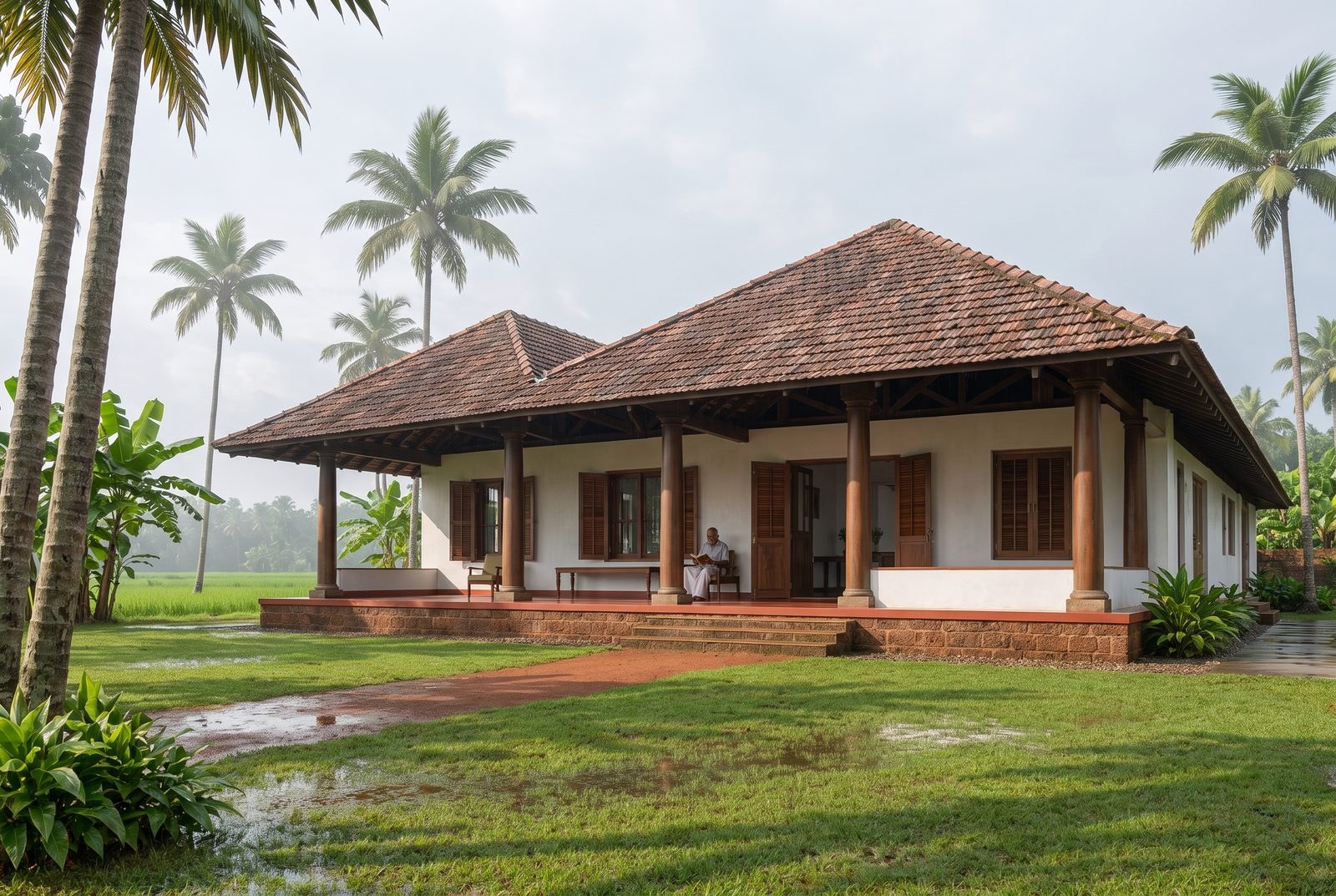
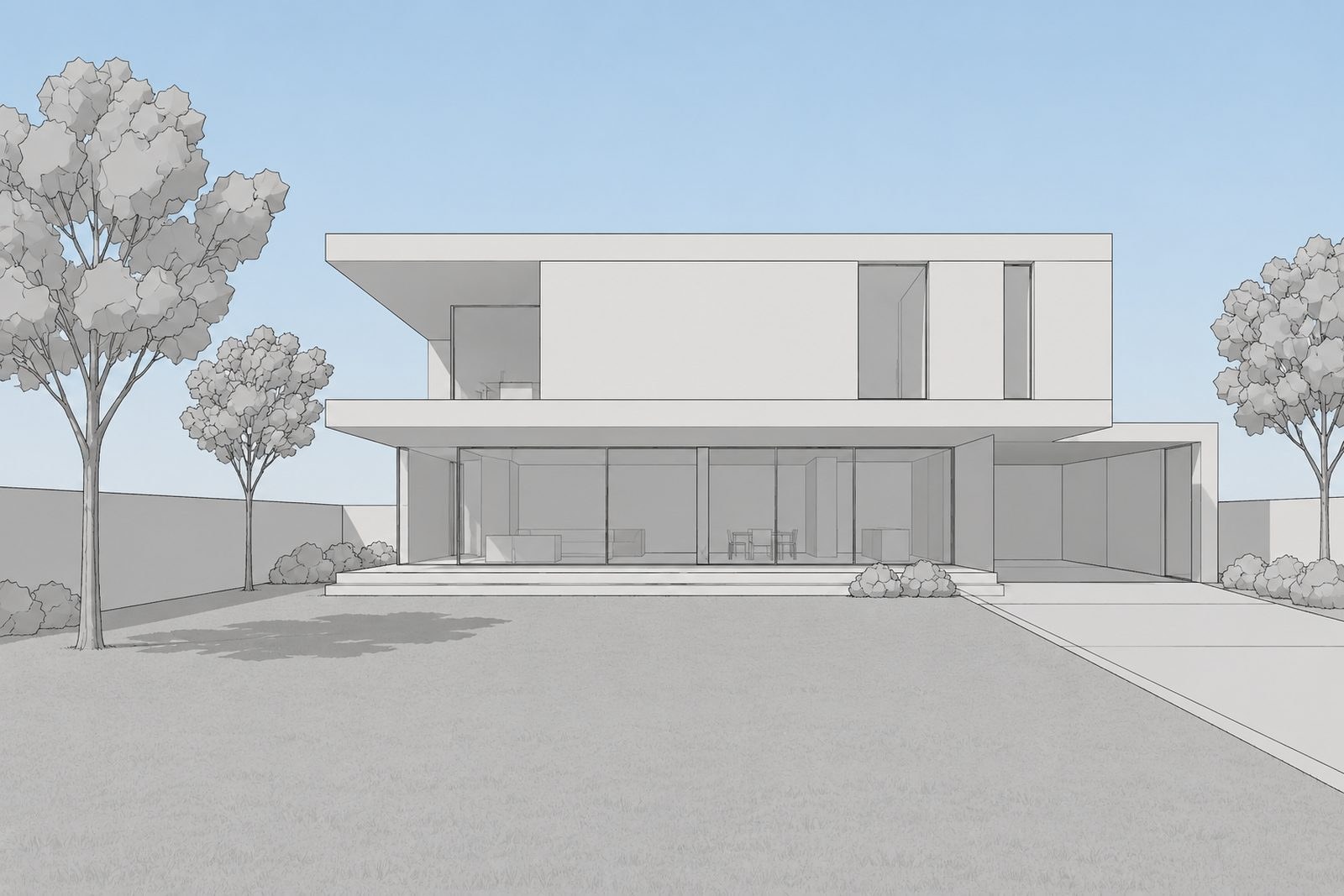
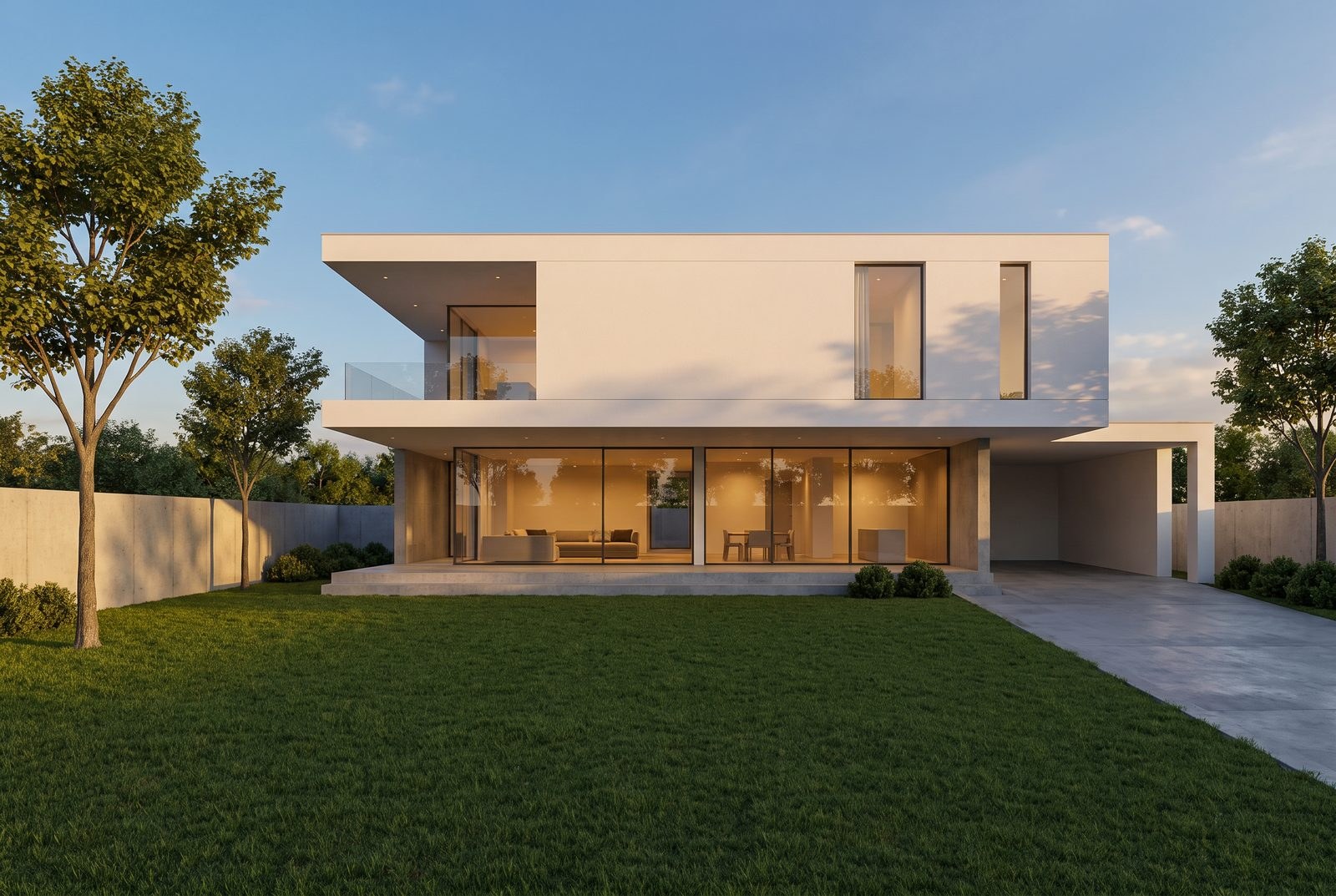
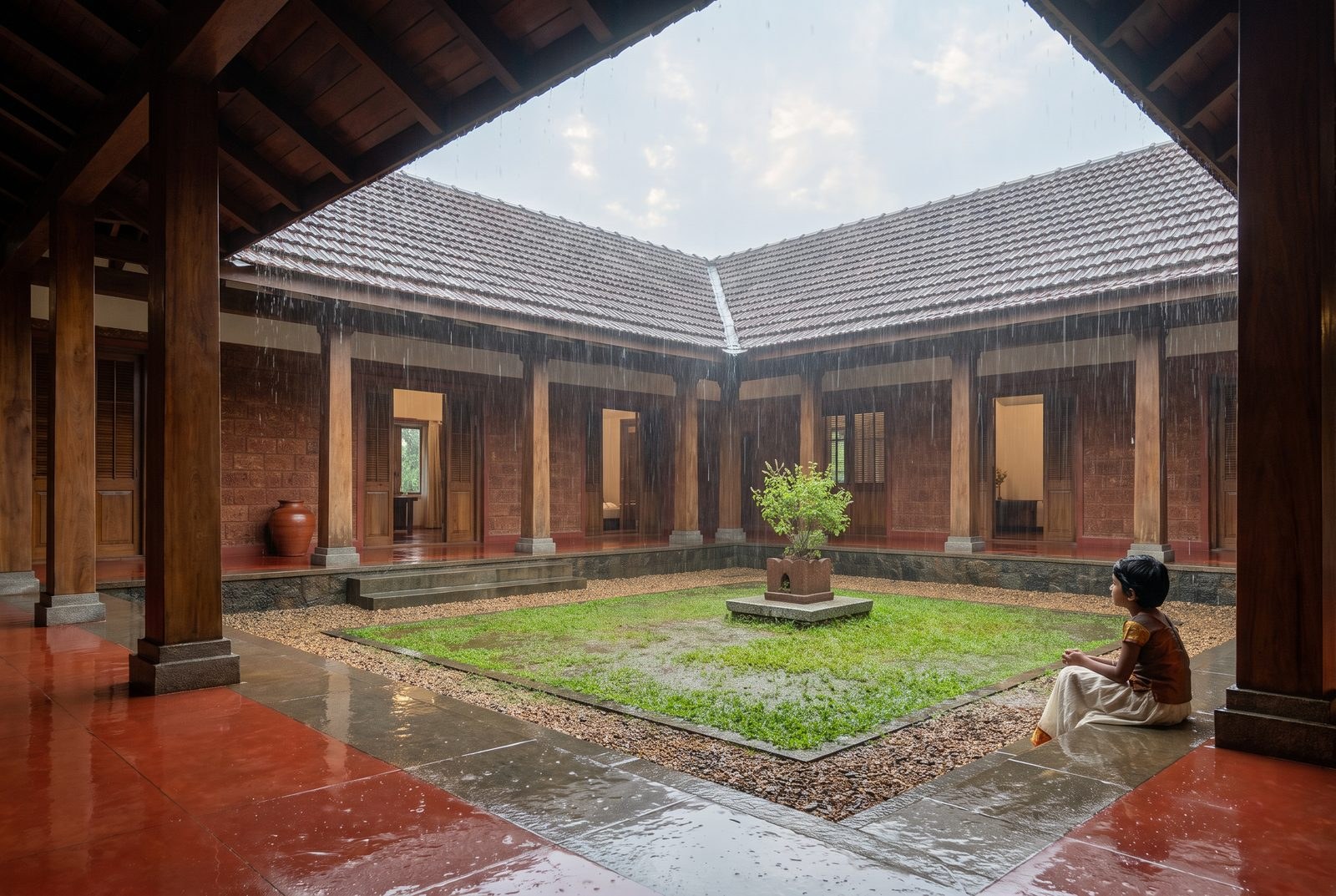
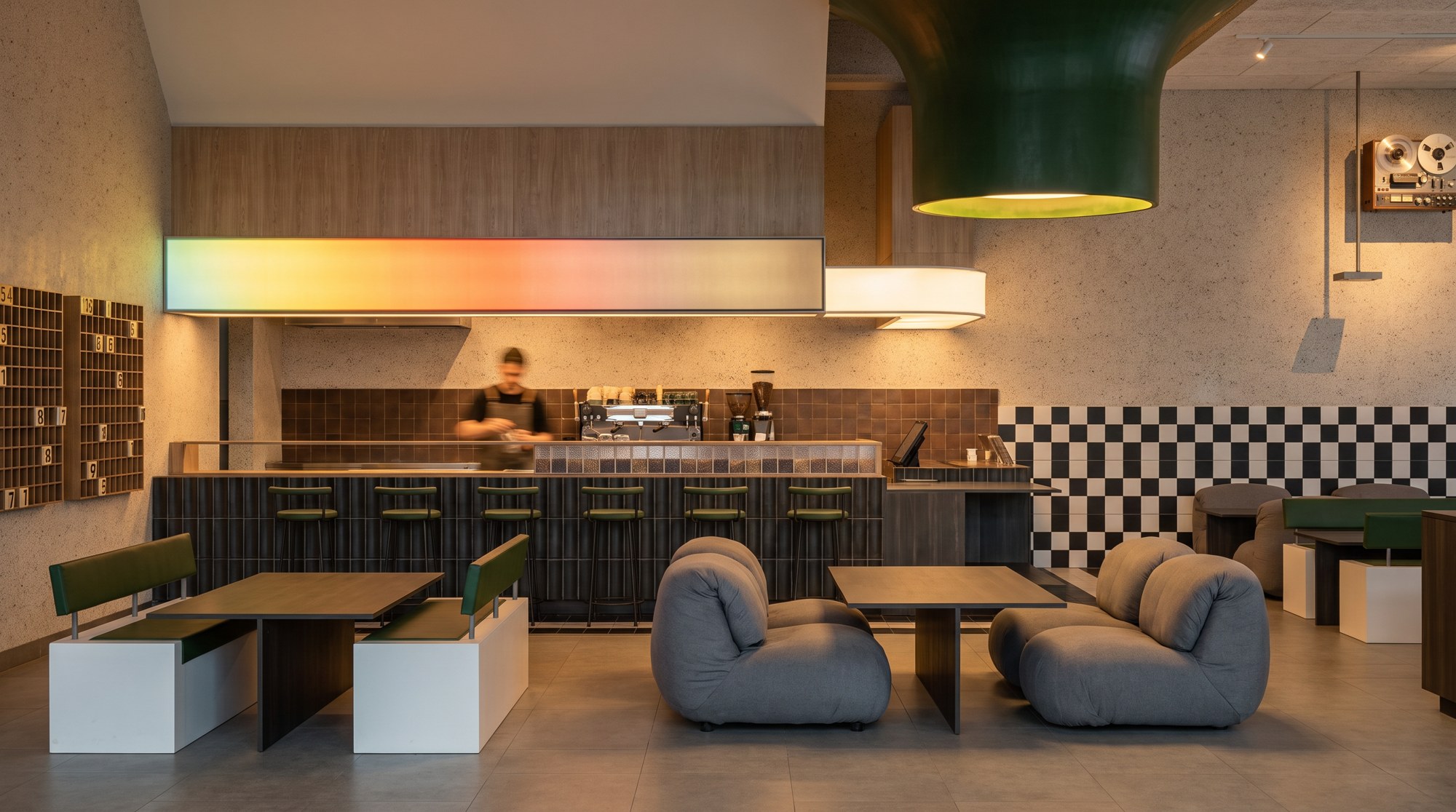
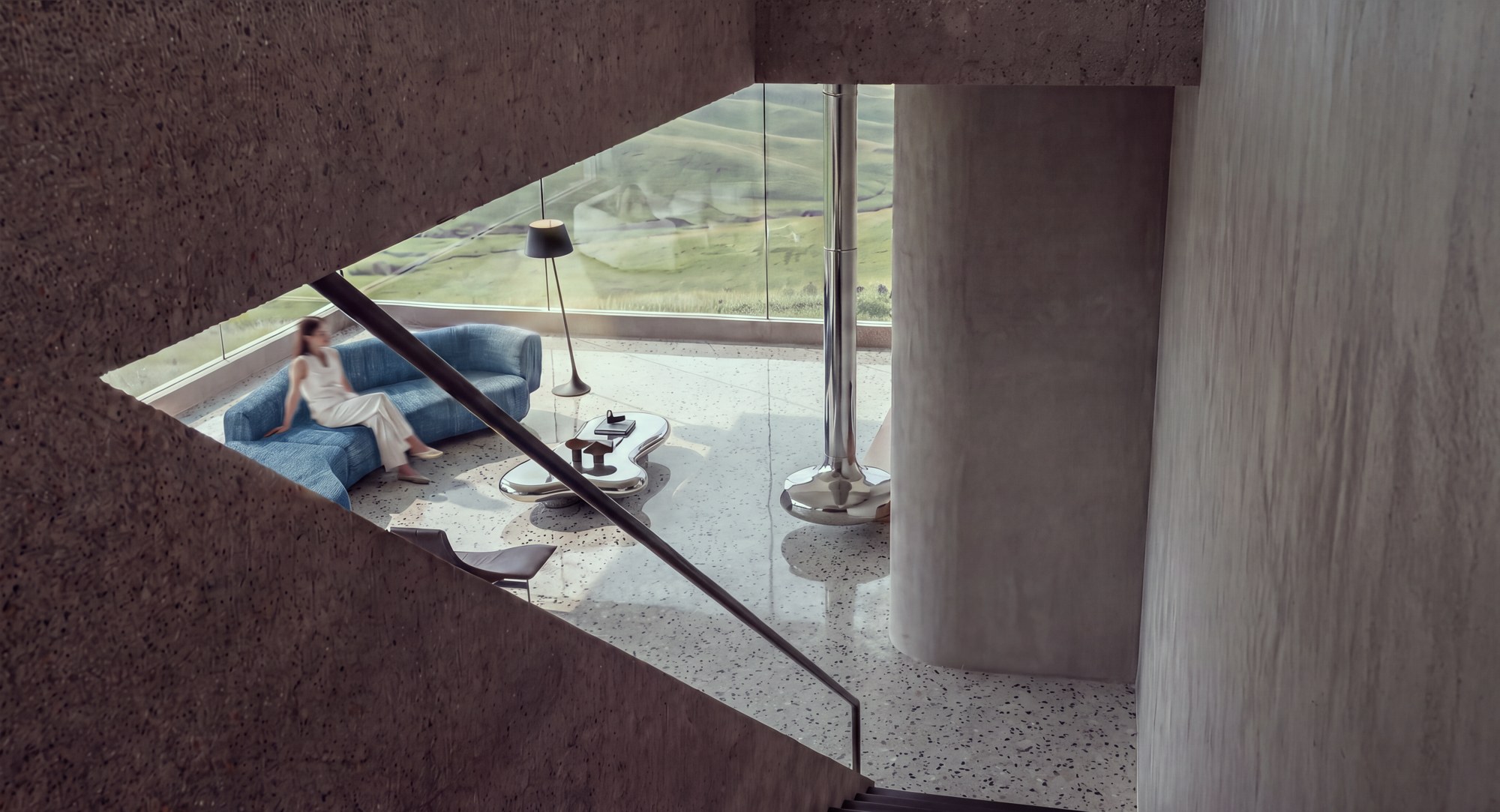








Render made with HocusWhen you show a 3D view next to its render, label them “3D view” and “Render”.
a few rules.
The brand is quiet by design. Most mistakes come from making it louder.
- Use the files from this kit as they are.
- Put the logo on plain night, plain paper, or a calm part of an image.
- Show a 3D view next to its render. It explains Hocus better than any sentence.
- Credit renders with “Render made with Hocus”.
- Ask us if you're unsure: hello@usehocus.com.
- Redraw, stretch, outline, rotate or add effects to the logo.
- Recolour it. No gradients, no accent colour, no gold.
- Capitalise the logo, or write the name as HOCUS or Hocus AI.
- Suggest Hocus endorses your product, event or firm without written permission.
- Present Hocus renders as photographs or as your own visualisation work.
Don't stretch it.
Don't recolour it.
Don't rotate it.
Don't lose the contrast.
the short version.
Only what's true today. If you need a number we haven't listed, ask and we'll give you the real one.
- What
- Architectural renders from your 3D views
- Works with
- Views exported from SketchUp, Rhino or any 3D tool
- Render time
- About 40 to 70 seconds
- Plans
- Free (3 renders a month), Basic, Standard, Pro and Teams
- Founders
- Nihal and Aswin, both trained as architects
- Based in
- Kerala, India
- Website
- usehocus.com
Interviews, features, partner logos or anything not covered here.